

Exam results and analytics
As soon as time runs out, closed questions are scored automatically. In manual mode, open answers wait for the teacher to grade them. The results sheet shows the score, percentage and time for every student, while the per-question view brings the answer, the correct answer and the awarded points together.
Automatic scoring
Closed questions are checked on the server at submission. Scores and percentages are not stored; they are rebuilt each view, so a changed answer key does not leave an old result.
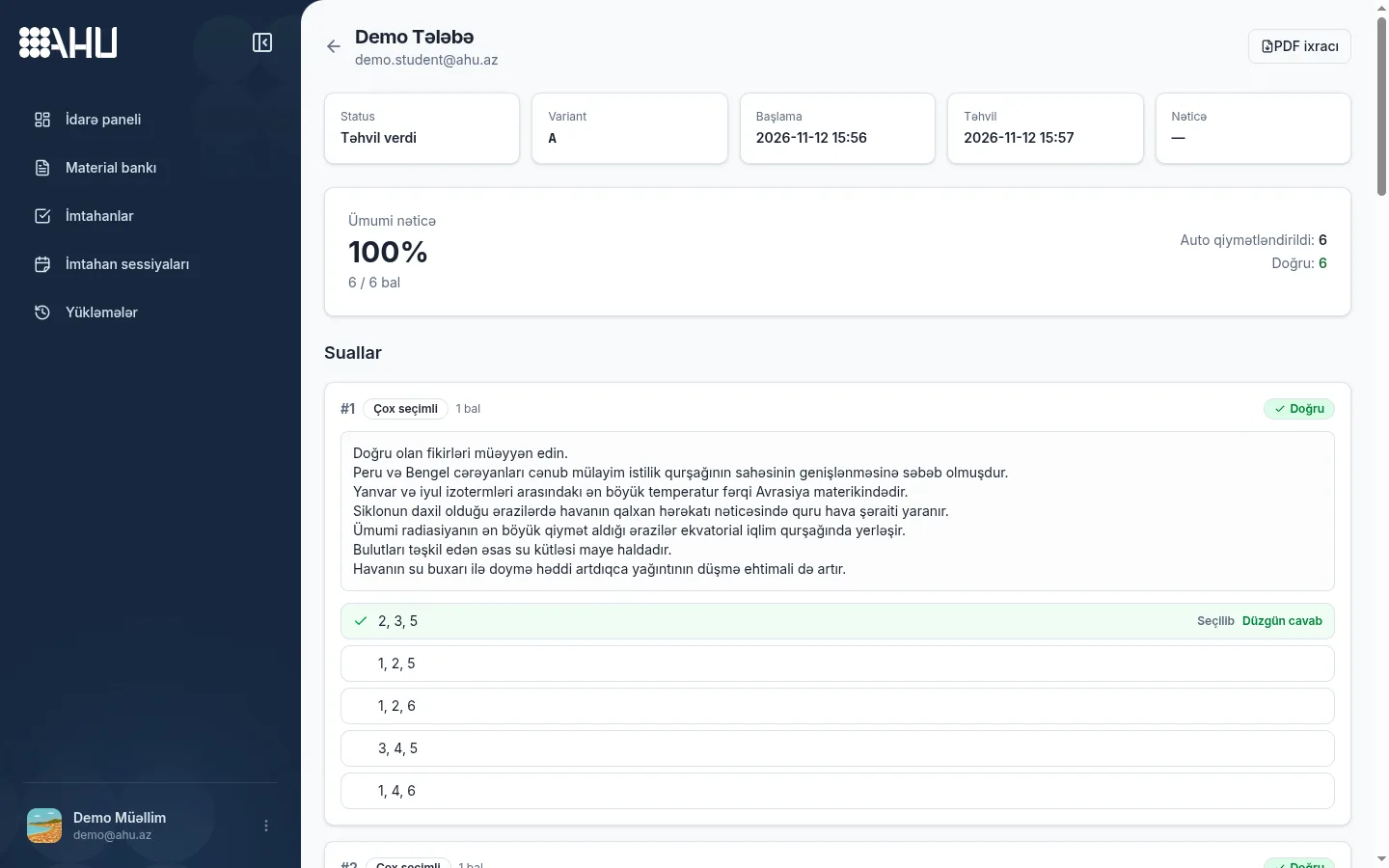
Each attempt card shows status, variant, start and submit times, overall result, auto-checked questions and correct answers. Time comes from the server; the device clock does not change the result.
A long answer in manual mode shows as “awaiting grading”; in auto mode it is matched against accepted answers. DİM, SAT and TR-YÖS templates score by their own rules, section scores shown separately.
- Overall result
- 6 / 6 points 100%
- Auto-graded
- 6 questions Closed answers
- Time spent
- 1 min 2 sec Between start and submit
Results by student
Each student gets one row: name, score, percentage, result and time. In a live session the row updates on submit; “Passed” or “Failed” appears only when a pass mark is set.
| Name | Score | Percentage | Result | Time |
|---|---|---|---|---|
| Demo Student | 6 / 6 | 100% | Not shown | 1 min |
Sample table: each row is one attempt.
Swipe the table sideways for the full view.
Per-question analysis
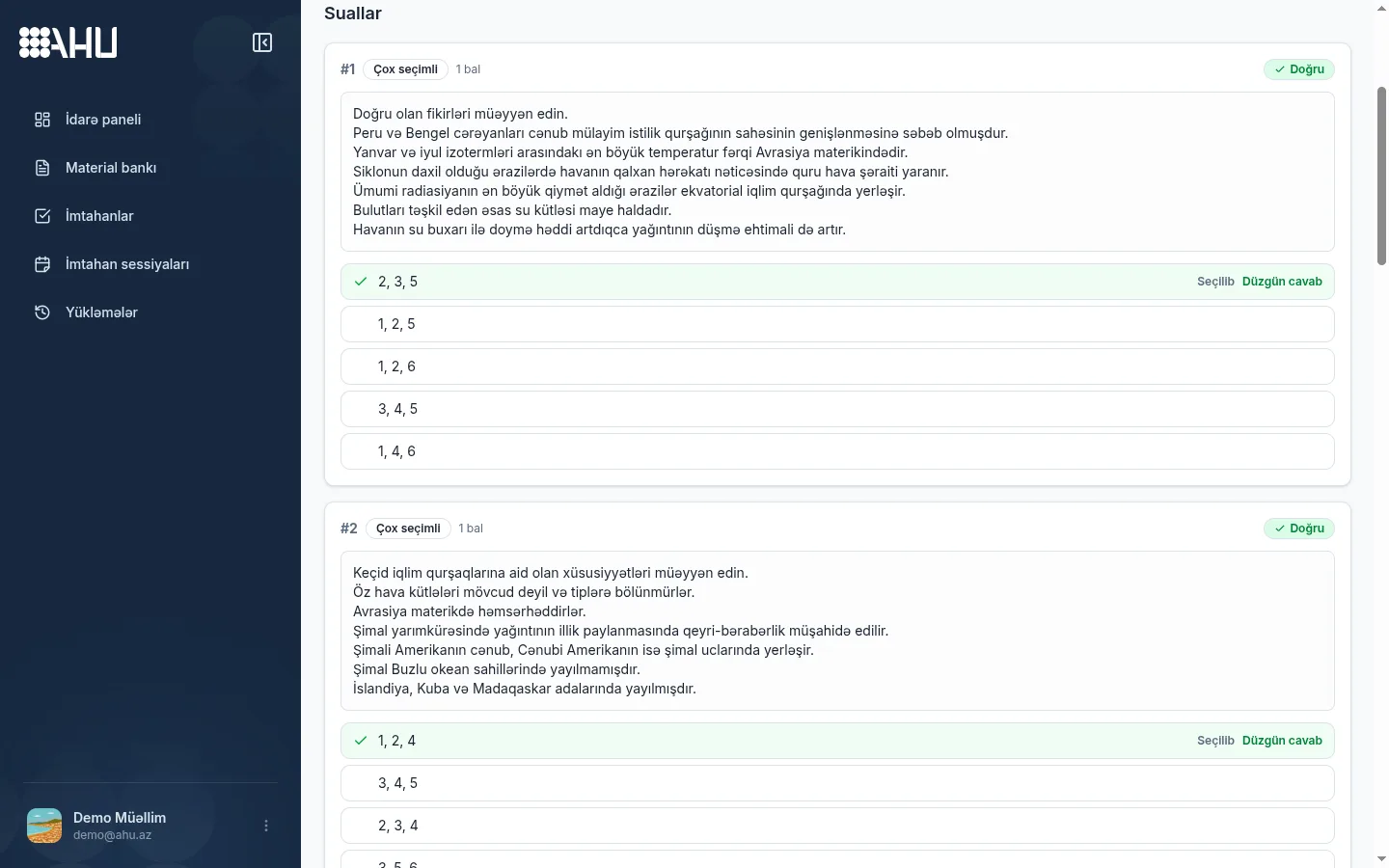
Questions open one by one; each card shows the type, points and the student's answer. The correct answer is green, the wrong choice is marked, so you see where points went.
A long answer card shows “Needs review” or “Manually graded”, with the awarded and maximum points. Change the score and the overall result updates; this covers one student.
Grading open answers
In manual mode the teacher grades an essay-style answer: read it, pick the rubric score and save. The score stays under the maximum; the card shows the answer, rubric criteria and score together.
Attempts awaiting grading are marked in the list. This makes it immediately clear which student does not have a final result yet.
Saving a score recalculates the total, percentage and pass/fail result at once; there is no Refresh button. On firm plans, editing results depends on your role.
Question 7 · Long answer
Student answer
Rubric score
As soon as the score is saved, the total, percentage and pass/fail result are recalculated.
PDF report
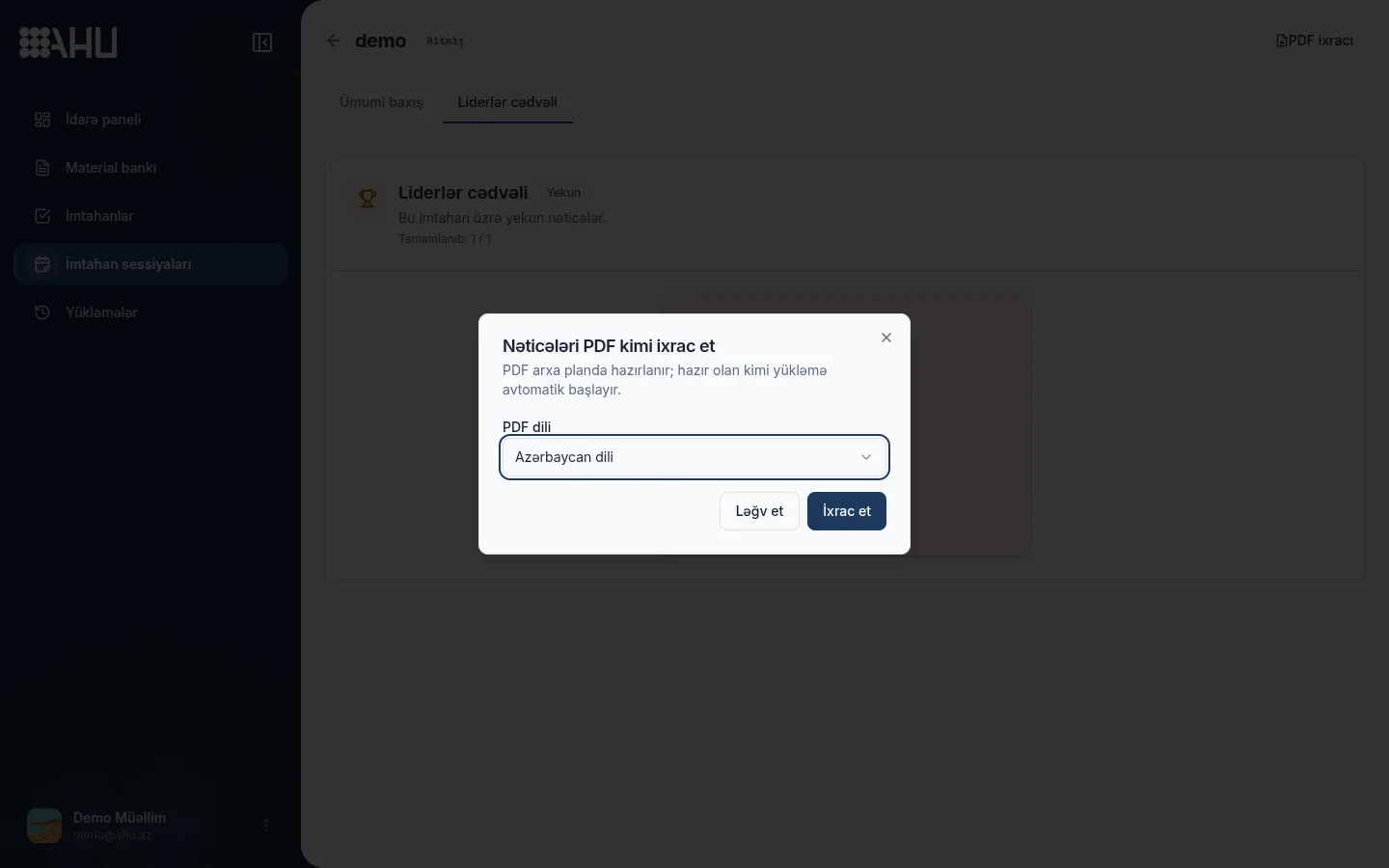
Download results as a PDF. Choose the report language and, for a single session, add the activity log; the download starts when the file is ready.
PDF export comes with Expert for sole teachers and with Standard or Premium for firms. On lower plans the limit stops the export and offers an upgrade.
- The report is prepared in the background, so you do not need to keep the page open.
- The file is generated in the selected language: AZ, RU or EN.
- The finished file is kept for seven days, after which you need to export it again.
Violation log
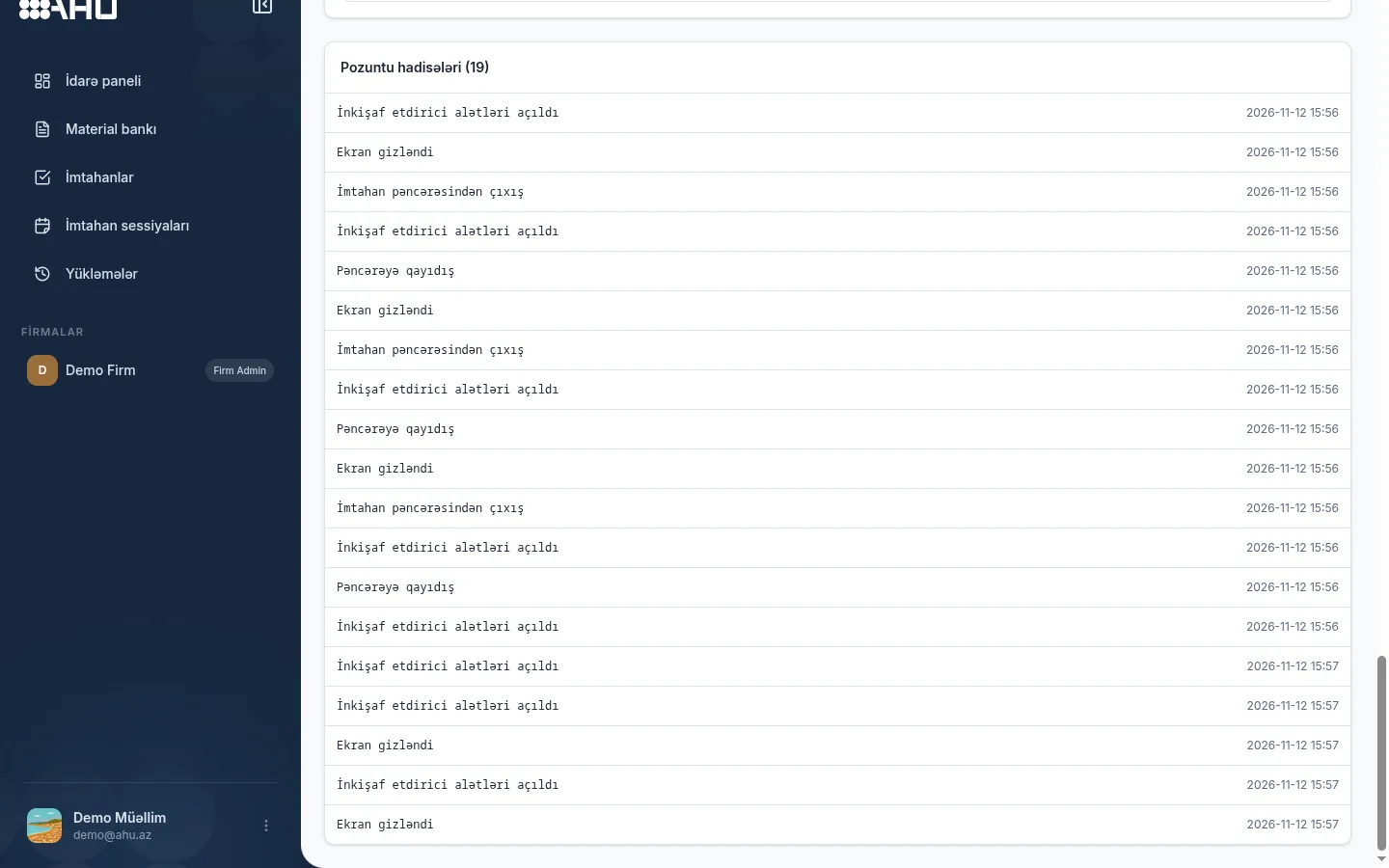
The violation log shows events in one timeline: leaving the window, full-screen exit, copy attempt, developer tools, multiple IPs. The server stamps events; the device clock does not change the order.
The log is written in every mode; Off records events too, it just does not block automatically. On the results page the log sits below the answers, so score and behavior appear together.
Signals come from the browser and the server's multiple-IP check; there is no camera or screen recording. No single record is a verdict: the teacher filters events, checks context and then decides.
Violation timeline
First events from the journal; all times are server-stamped. Off mode journals too.
-
Developer tools opened
-
Screen hidden
-
Left the exam window
-
Returned to the window
-
Screen hidden
Frequently asked questions
How are results calculated?
Closed questions are checked on the server at submission; score and percentage recalculate each view. In manual mode open answers wait for the teacher, and the total updates when a score is given.
Can open answers be graded by hand?
Yes, in manual mode you pick and save a rubric score; in auto mode the answer is matched against accepted answers. Manual grading needs edit rights, which on firm plans depends on your role.
What does per-question analysis show?
Each question opens in its own card: the question type, its points, the answer the student chose, the correct answer and the manual grading status. This is a view of the answers of a single student.
Can results be downloaded as a PDF?
Yes, PDF export comes with Expert for sole teachers and Standard or Premium for firms. The report is prepared in the background in the chosen language and kept for seven days.
Where does the violation log appear?
On each student's results page, below the questions. The log runs in every mode, including Off; the only difference is that Off does not block automatically.
Related pages
Do not put results off until after the exam
Run your first session and see scores and per-question answers immediately. The Free plan is enough to start: 10 active exams and 30 sessions a month. PDF export is available from the Expert plan.